

Windows and macOS
One codebase delivering polished apps for both platforms where it fits.
Some work belongs on the desktop: heavy data, large files, offline use, specialized hardware or power users who live in one tool all day. We build Windows and macOS desktop applications for internal teams and software products, with modern interfaces, offline support, automatic updates and secure installers. You own the code and the installers.
Web apps are the right choice for many problems, but not all. Teams that process large files, work with specialized equipment, need reliable offline access or perform intensive tasks all day often get a far better experience from a dedicated desktop application.
Desktop apps can access local files and hardware directly, keep working without an internet connection, handle heavy processing smoothly and integrate with other desktop software. For power users, that means faster workflows and fewer frustrations.
We build desktop applications with modern cross-platform frameworks, delivering Windows and macOS versions from one codebase with interfaces that feel current and polished. Where performance demands it, we use native technology.
Every desktop app includes secure installers, code signing, automatic updates and crash reporting, so deploying to your team or your customers is straightforward and keeping the software current is effortless.

Everything needed to build, ship and maintain reliable desktop software. Each build is tested on real Windows and macOS machines before every release, so updates roll out smoothly.
One codebase delivering polished apps for both platforms where it fits.
Local data that stays fast and available, syncing to the cloud when connected.
Direct access to local files, printers, scanners, scales and other devices.
Smooth handling of large datasets, media and intensive processing.
Code signed installers that install cleanly and pass security checks.
Seamless background updates and crash reporting after release.
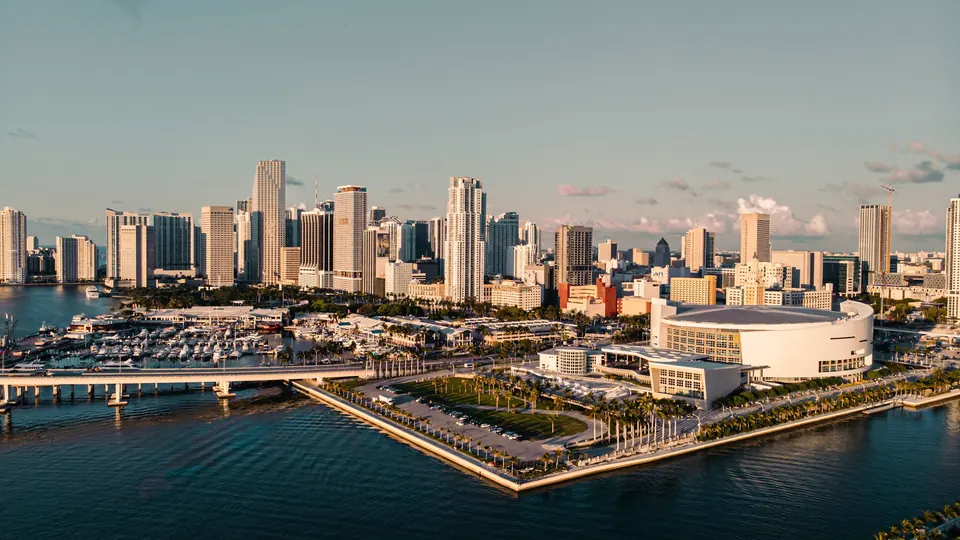
We build desktop applications for logistics and distribution companies in Doral, healthcare and lab operations, engineering and construction firms, media teams and software companies across Miami-Dade and Broward.
Common projects include internal tools that replace fragile spreadsheets and macros, apps that connect to warehouse or lab equipment, offline tools for field and remote work and commercial desktop products.
We can also modernize legacy desktop software, rebuilding outdated applications with modern interfaces while preserving the workflows your team depends on.
Some teams need both. A desktop app for heavy daily work in the office and a mobile or web companion for quick checks on the go can share the same data and accounts, so everyone sees the same information wherever they are.
Commercial software companies also partner with us to build desktop versions of their products, adding offline capability and deeper system integration that a browser cannot offer. We handle packaging, licensing and distribution through the right channels for your customers, including direct downloads and company wide deployment.
Clear discovery, a tested design and steady sprints toward a smooth rollout. You see working builds every two weeks.
We study workflows, data, hardware and deployment needs.
Interface design and prototypes tested with real users.
Features delivered in two week sprints with installable test builds.
Signed installers, rollout to your team or customers and ongoing updates.
Desktop software has a reputation for looking dated and being painful to update. We build modern interfaces with careful attention to speed, keyboard shortcuts and accessibility, because power users notice every detail.
We make deployment easy. Signed installers, automatic updates and crash reporting mean your IT team is not stuck manually updating dozens of machines.
We connect desktop apps to the cloud where it helps, so data can be backed up, shared and accessed from web or mobile companions.
And you own everything, with documentation that keeps the software maintainable for years.
Security is part of every project. Data at rest can be encrypted, sign in can connect to your existing accounts and permissions control who sees what, which matters for healthcare, legal and finance teams handling sensitive information.
We also plan for scale. Whether the app runs on five machines or five thousand, we design deployment, licensing and update processes that keep administration simple. For commercial products, we can build licensing, trials and in-app purchasing so the software can be sold and managed easily.
Many companies run critical processes on spreadsheets with complex macros or on desktop software built years ago. These tools often work until they suddenly do not: the person who built them leaves, an operating system update breaks something or the business outgrows them.
Replacing them requires care. The first step is understanding what the current tool actually does, including the unwritten rules and workarounds people rely on. We interview users, review the existing files or code and document every workflow before designing the replacement.
Next, we design a modern application that keeps what works and removes the friction. Data validation prevents errors, permissions protect sensitive information and reports that once took hours can run in seconds.
Finally, we plan the transition. Data is migrated and verified, users are trained and the old and new systems can run side by side briefly, so the switch happens without disrupting daily work.
Plan for the long term as well. Desktop software often stays in use for many years, so we choose technology with strong support, document the code thoroughly and set up automatic updates that keep every installation current and secure.
Desktop apps make sense for heavy data or media work, offline use, direct hardware access or power users who spend all day in one tool.
Yes. We often use cross-platform frameworks to deliver both from one codebase, and native development when needed.
Yes. We build in automatic updates so users always have the latest version.
Yes. Desktop apps can store data locally and sync to the cloud when connected.
Often, yes. Desktop apps can integrate with printers, scanners, scales, lab instruments and other hardware.
Yes. We can rebuild legacy applications with modern interfaces while preserving key workflows and data.
Yes. We provide signed installers for smooth, secure installation.
Timelines depend on scope. Focused internal tools can launch in a couple of months, larger products take longer.
Costs depend on features, platforms and integrations. We provide a phased estimate after discovery.
Yes. We can build cloud syncing so data stays consistent across desktop, web and mobile versions.
Yes. We support company wide deployment tools and signed installers so IT can roll out the app easily.
Yes. Desktop apps can include AI powered search, document processing and assistants, running through secure cloud services or locally when needed.
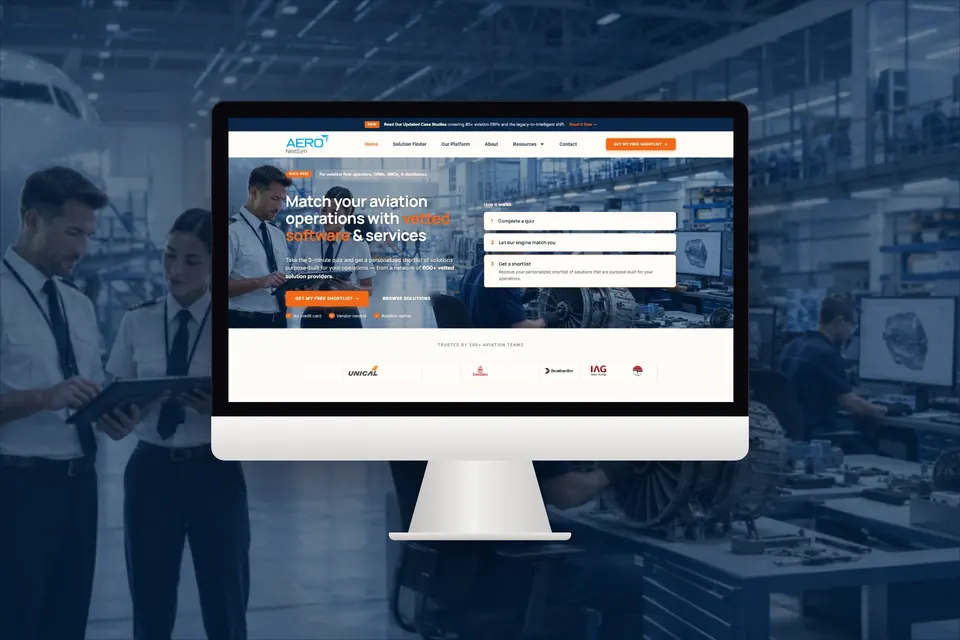
Neon Manatee is the sister brand of Best Website Builder Group. These are real projects our shared team delivered, with live tracking data behind every number.
 485
485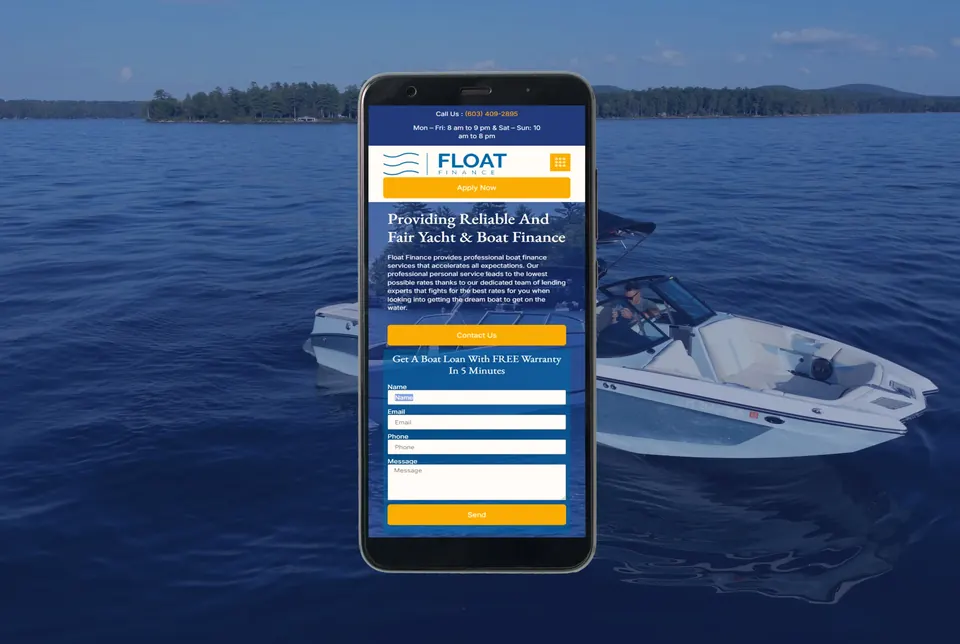 370x
370x 3,068
3,068Fast Lane Websites are fixed-price builds that launch in 7 to 10 business days. Pick your size, add hosting, choose to pay in full or put down a deposit, and we start the same week.